The Spreadsheet That Broke Me

Part 1 of 10 in the Event Planner's Financial Survival Guide
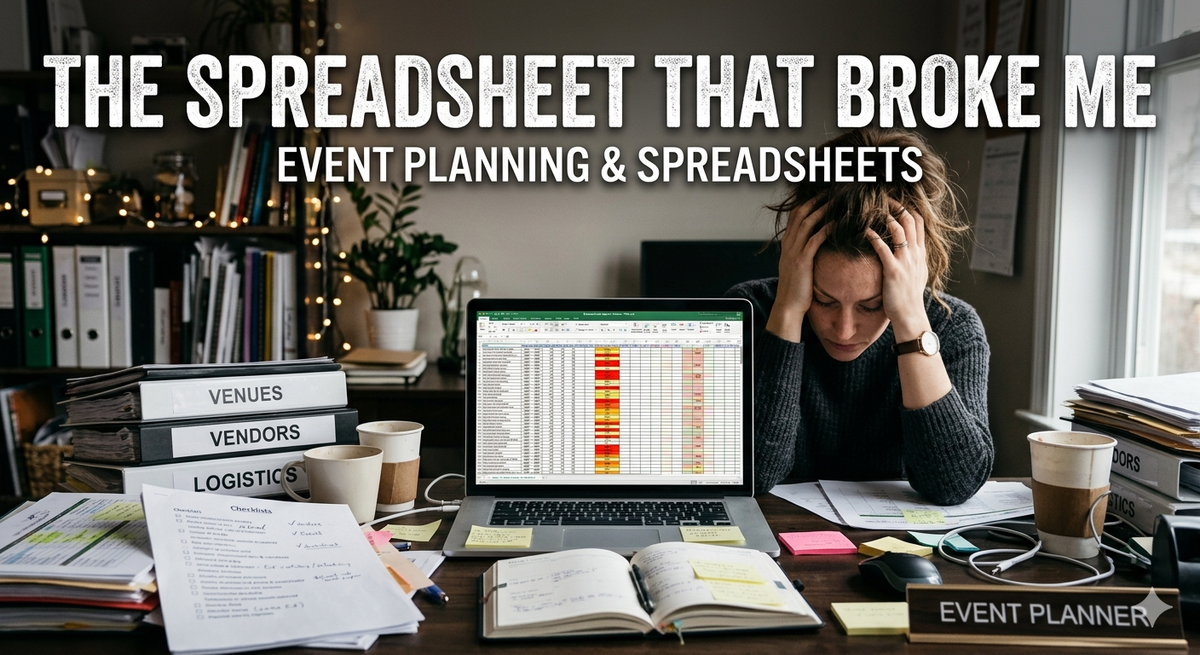
There's a moment every event planner knows. You're three weeks out from a major corporate gala. Your client just asked for a budget update, a vendor owes you a revised proposal, and your phone is buzzing with a question about the deposit schedule. You open your laptop, navigate to the spreadsheet — the spreadsheet, the one you've been building and patching and color-coding for the last six months — and you stare at it. You have no idea if the numbers are right. Not because you're bad at math. Not because you don't care. But because the spreadsheet has become something alive and unpredictable, a patchwork of formulas that reference other tabs, totals that may or may not include the florals you added last Tuesday, and a column labeled "CONFIRM WITH VENDOR" that you keep meaning to address. Sound familiar? You're not alone — and you're not doing it wrong. The spreadsheet trap catches nearly every planner who has ever grown beyond their first few events.
How It Starts
The spreadsheet starts beautifully. A clean grid. Event name at the top. Columns for vendor, cost, deposit paid, balance due. You feel organized. You feel in control. Then the event gets more complex. A client wants to add a second reception space. A vendor splits their invoice into two phases. You land three events in the same month. Suddenly you have a spreadsheet per event, and then a master spreadsheet to track them all, and then a separate tab for taxes, and then a separate file for invoices, and before long you have a folder on your desktop called "FINAL v3 USE THIS ONE" that even you don't fully trust. This isn't a failure of discipline. It's what happens when you use a general-purpose tool for a specialized job. Spreadsheets were designed to hold data. They were not designed to manage the financial lifecycle of a live event with 25 vendors, a client who changes their mind weekly, and sales tax rules that vary by state.
The Hidden Costs
The time cost is the obvious one — hours every week spent maintaining, reconciling, and hunting for information that should be one click away. But the hidden costs are the ones that really sting. Billing errors. When your budget lives in one spreadsheet and your invoices get created in another, things fall through the cracks. A line item gets added after the invoice goes out. A vendor cost changes and the client quote doesn't. You end up either undercharging (silently absorbing the loss) or sending a revised invoice that makes you look disorganized. Markup mistakes. Most event planners apply a retail markup to vendor costs before billing clients. Doing this consistently and correctly across dozens of line items in a spreadsheet requires discipline and concentration every single time. One formula error, one pasted value that loses its formula — and you've quoted a client a price that doesn't cover your actual costs. Tax exposure. Sales tax for events is complicated (we'll get deep into this in a later post), and trying to manage it in a spreadsheet is genuinely risky. If you're applying tax inconsistently, or not at all in states where you should be, the liability is real. The proposal scramble. When a client asks "where are we on budget?" you should be able to answer instantly. Instead, you're doing a quick mental calculation and hoping it's close enough. That uncertainty erodes client confidence — even when you hide it well.
The Pivot Point
Here's the thing: the spreadsheet served you well for a season. It got you through your first dozen events and helped you build the intuition you now carry everywhere. There's no shame in having started there. But at some point — usually around the time you're managing multiple events simultaneously, or when a billing error costs you real money, or when reconciling a single event takes a full weekend — the spreadsheet stops being a tool and starts being a liability. That's the pivot point. The moment when you realize you need a system built for what you actually do. What does that look like? It means your budget and your client invoice are connected, not separate documents. It means markup is calculated automatically, not manually. It means vendor payments are tracked in the same place as the budget line item they belong to. It means tax is calculated correctly based on what you actually sold, not estimated in a side column. It means less time managing your system and more time doing the work you love.
You Deserve Better Tools
We've talked with a lot of event planners. The spreadsheet story comes up every single time. The details vary — some people use Google Sheets, some use Excel, some have elaborate color-coding systems they're quietly proud of — but the core experience is the same. A tool that once felt adequate starts to buckle under the weight of a real business. The good news is that this is a solvable problem. The even better news is that the solution doesn't have to be a complicated accounting system that requires a finance degree to use. It should feel like a tool built for the way you already think about events — organized around budgets, vendors, clients, and invoices, with the financial complexity handled quietly in the background. In the next post, we're going to dig into one of the most common sources of budget confusion: the gap between what a vendor charges you and what you quote your client — and why that gap is so easy to get wrong.
Next up: Why Your Event Budget Always Feels Wrong →
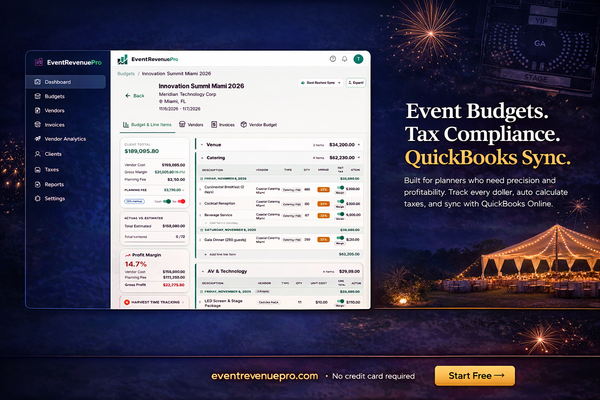
Event Revenue Pro was built to solve exactly this — a purpose-built financial platform for event planners, DMCs, and event agencies. Learn more →